
Courses





Complete video training for SolidWorks and MODO.
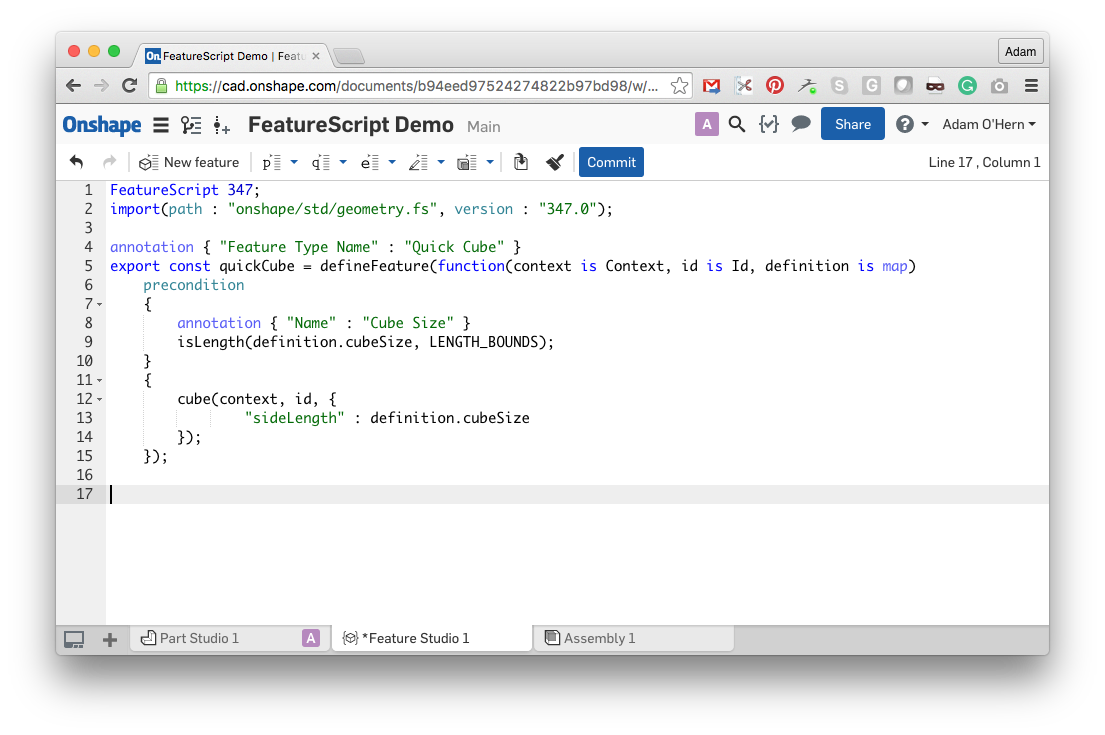
Adam walks step by step through FeatureScript for Onshape with examples, exercises, helpful context, and invaluable workflow tips. Even if you're not a coder, you can learn FeatureScript.
In this new series, we'll cover the groundwork of becoming a MODO Speed Demon through the process of modeling an old and somewhat-forgotten classic from scratch: the Fiat S76 automobile (AKA "The Beast of Turin"). In total, this zero-to-hero MODO modeling series packs a solid punch with 40 videos featuring over 7 hours of material. That's right - SEVEN hours!
In this series we’ll go for a spin and break down the principles of retopology for industrial designers who want to gain a better understanding of working with 3D scans. Using a 3D scan of a bicycle helmet, you’ll learn how to clean up the geometry into a real, workable model in MODO with the option of exporting to SolidWorks and elevating your manufacturable designs to the next level.
In this full course, industrial designer Adam O’Hern takes you from SolidWorks newbie to ninja with real-world techniques. Developed while teaching courses at universities and design offices, this course empowers product designers to use SolidWorks as a creative tool.
Welcome to brand spankin’ new MODO lighting series! This series centers around product photography. For this lighting series in particular, we’ll be going over the creation of assets, how to setup your scenes, and how to squeeze the most out of modo’s powerful rendering capabilities with strategic workflows.
Hold onto your nunchacku! In this SolidWorks 201 Training Series industrial designer Adam O’Hern elevates SolidWorks ninjas to even more lethal status with more real-world design techniques inspired by real-world processes. Whether you’re an aspiring design rockstar or an above-average Maker, this course empowers product designers of all kinds to use SolidWorks as a powerful creative tool.
Sharpen those chopsticks! In this SolidWorks 301 Training Series industrial designer Adam O’Hern continues to elevate SolidWorks ninjas to triple-kickflip-off-the-wall skills with even more real-world design techniques inspired by real-world processes. Whether you’re an aspiring design rockstar or an above-average Maker, here is yet another cadjunkie SolidWorks course that empowers product designers of all kinds to use SolidWorks as a powerful creative tool.
In this series we focus our attention on the detailed and careful modeling of a specific Porsche 20" rim and accompanying tire. Includes 20 videos with over 3 hours of in-depth SolidWorks training for viewers of all skill levels.